
You are starting solo with consultations, podiatric insole checks, gait analysis or diabetes screening.
Your calendar, online booking, eID, podiatry foot chart, forms, photos, reports and payment receipts together in one workflow.
Start 60 days free Start 60 days free
For podiatrists starting out in Belgium
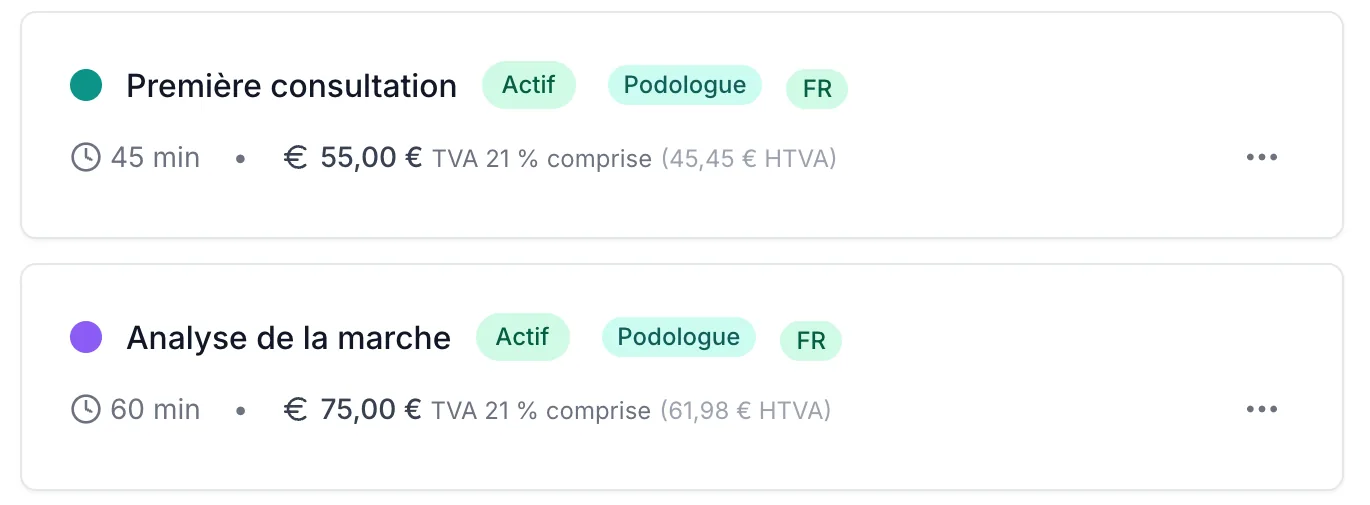
Set everything up before your first patient. From the first appointment to follow-up, VIMA keeps online bookings, patient records and payments in one place. You work with a digital foot chart and podiatry forms that fit your consultations.
You are building a practice that feels professional from day one: from your name and premises to the admin basics behind them.
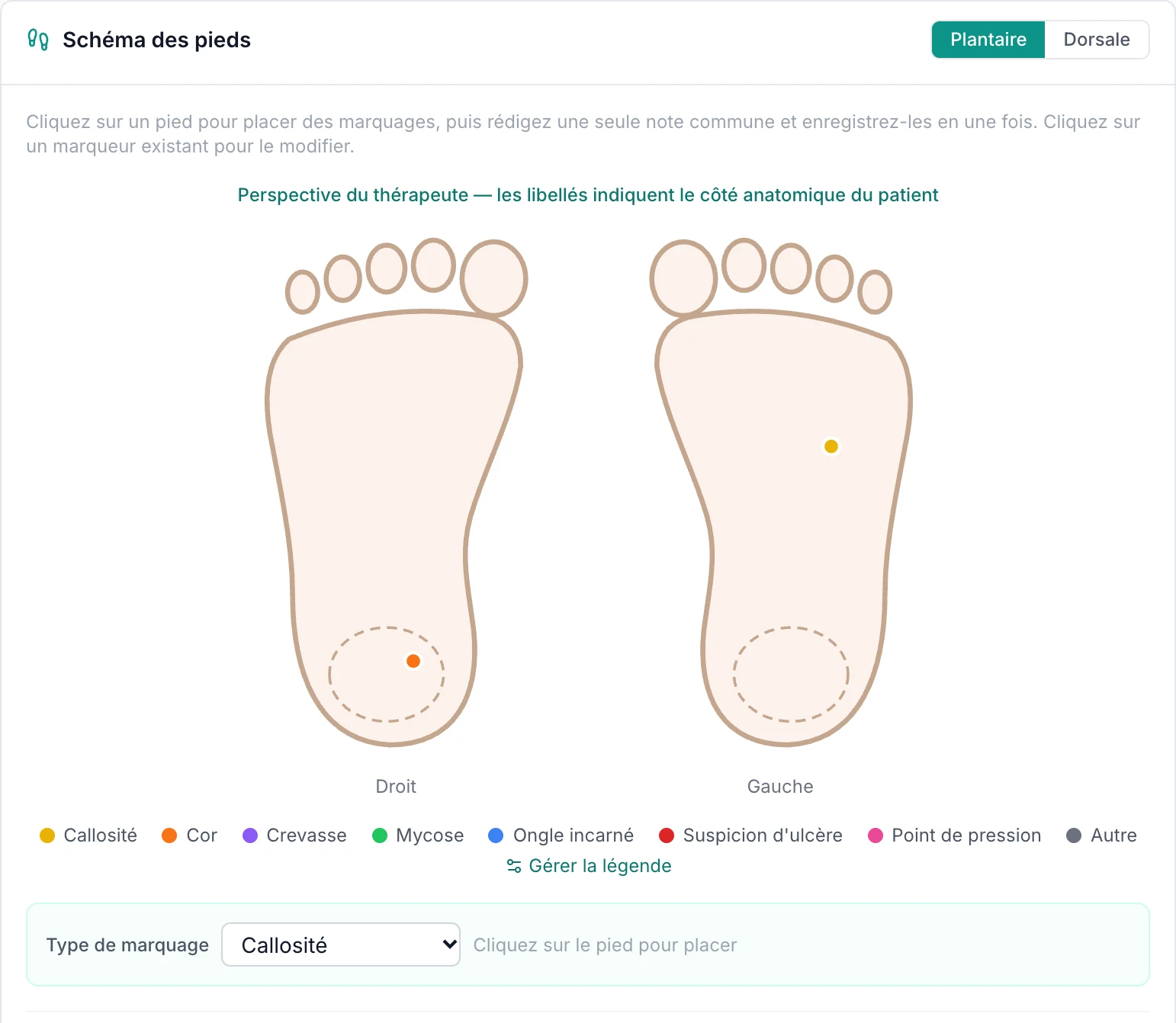
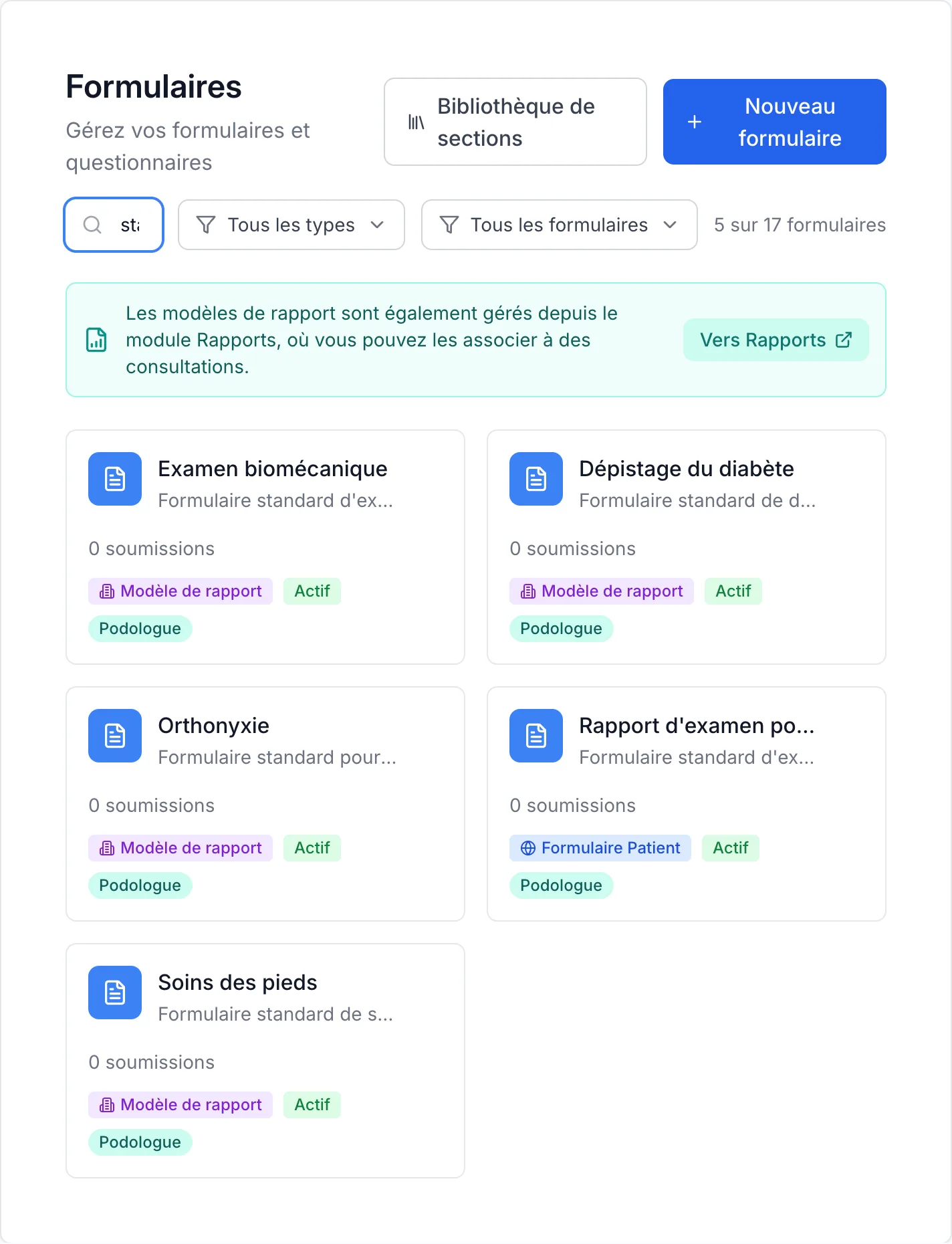
You read your patient’s eID, mark callus, corns or pressure points on the foot chart and fill in standard forms such as a biomechanical exam or diabetes screening. Your calendar and online booking are ready for your first appointment.
Record payments per consultation, create payment receipts and see which amounts are still open. That way you keep an overview in VIMA after the appointment too.
Decision matrix
Your calendar, online booking, eID, podiatry foot chart, forms, photos, reports and payment receipts together in one workflow.
Manage calendars, appointment types and access rights per practitioner, and follow up records centrally.
VIMA organises your consultations, records, documents and payment receipts. For production planning, accounting integrations or specialised external systems, you may need an additional tool.
Available in VIMA. Your practice administrator enables Vimy. Start with €5 of free Vimy credit.
Vimy, the AI assistant in VIMA, listens with your patient’s consent and prepares the report as a draft in the record; you review and finish it. A question about VIMA while you get started? Ask Vimy in support.
You start with a one-time €5 of free Vimy credit, no payment card needed. Usage depends on your recording and the report you create.
Discover VimySeven podiatrists explain why they use VIMA: a clearer overview, fast and personal support, a smooth switch and software that listens to feedback.
"I always wanted software that matched how I work. Now I help build it myself."

"A handy, smooth-running system that keeps everything clearly organised. That gives me more time for my patients."
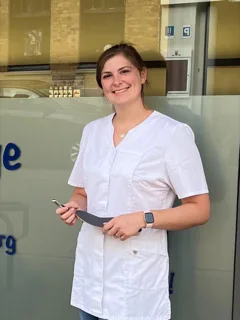
"Before choosing VIMA, I looked at and tested several practice software packages. For me, VIMA offered the best combination of ease of use, functionality and price. Everything is clearly organised in one place, and the personal support really makes a difference."

"The switch to VIMA was very quick and professional. Thanks to the personal approach, everything felt easy."

"Feedback is taken on board, and if you get stuck, help comes quickly. No-nonsense, direct and practical."

"For me, the biggest strength is the personal support. You don’t wait days for a reply, often just a few minutes."

"VIMA provides very good, fast support. The calendar is modern and very comprehensive. I can easily check it on my smartphone too."

Product
Online calendar, 24/7 online booking, patient record with Belgian eID, foot chart with photos and measurements, intake forms, reports and referral letters, payment receipts, reminders and a waiting list: all in the same workflow.
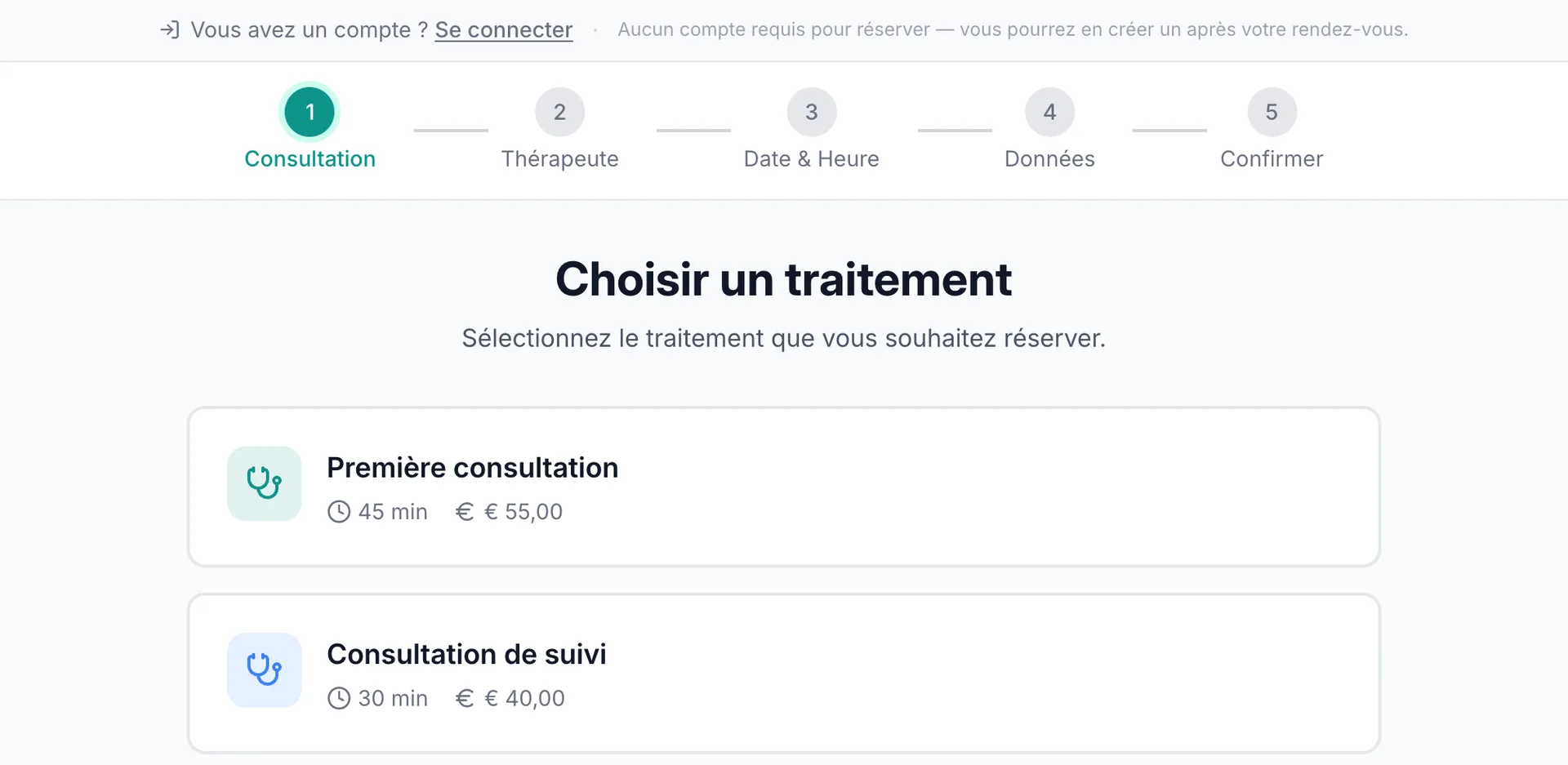
Test the calendar, records and payment receipts in your own start-up flow, or let us walk through them with you first.
Price
The practice software is included in the subscription, with no separate packages for a new practice. Optional text messages and optional campaign email credits are billed separately based on use.
Coming from Excel or another tool? The VIMA team moves your patients, records, appointments and other data over for free. First we look together at what your current software exports.
See the full pricing pageYour bookkeeping
VIMA keeps your payment receipts and outstanding amounts in one place, so you don’t have to piece them together from loose files afterwards. The bookkeeping itself stays the work of your own accountant: VIMA does no bookkeeping, no VAT returns and no filings.
Yes. You can set up VIMA completely, including your calendar, online booking and patient records, before you see your first patient, so everything is ready on day one.
€30 per month excl. VAT for your first practitioner and €25 per month excl. VAT per additional practitioner. The practice software is included in the subscription; optional text messages and optional campaign email credits are billed separately based on use. Try it free for 60 days, no credit card. No installation or setup fee.
Yes. You do not need to import anything to start: you begin with an empty patient record and add patients as they sign up.
Yes. The VIMA team moves your data over for free: patients, records, appointments and more. First we look together at what your current software exports. After the switch, you check everything at your own pace.
No. VIMA keeps track of your payments, payment receipts and open amounts. Your accountant handles your bookkeeping and tax returns, separately from your VIMA subscription.
Yes, for both. You start as a solo practice with one practitioner and add practitioners at €25 per month excl. VAT per additional practitioner, in the same calendar and the same patient records.
Vimy, the AI assistant in VIMA, is charged per use with credits shared by the practice. You start with a one-time €5 of free Vimy credit, with no payment card and no automatic charge. From your first consultation, Vimy writes the report as a draft; you review and finish it.
Start today with practice software that grows with your practice from day one.
No credit card needed. Cancel monthly.